Turn websites
into tables that
stay up to date.
Collect company websites, enrich the fields you need, and keep the results current. Your data provider collects the data. We run the workflow.
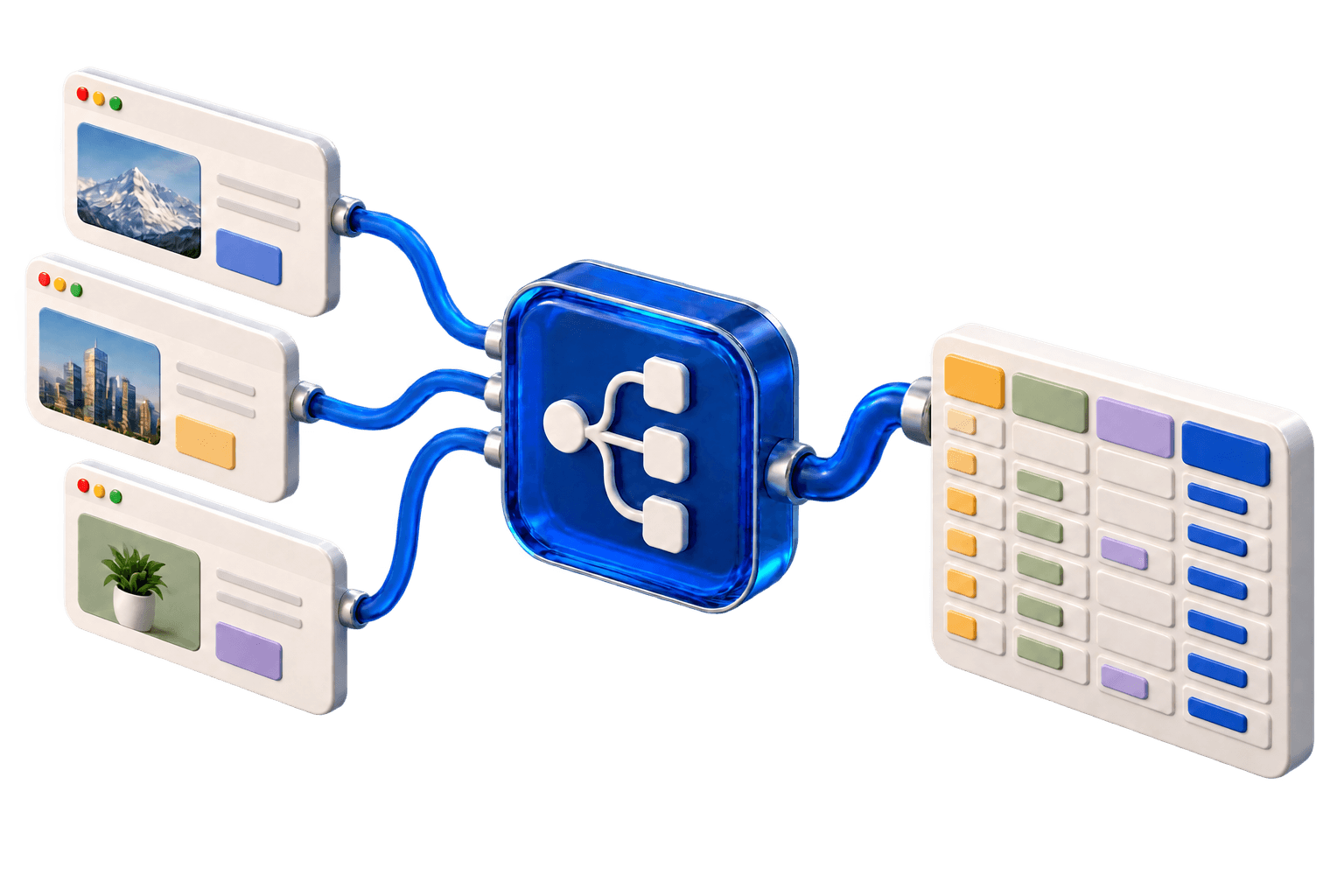
See your table fill itself.
Turn company websites into summaries, categories, and useful context - right in your table.
Works with your data provider
 Firecrawl
 Apify
Apify Jina AI
 Zyte
Zyte ScrapingBee
 Oxylabs
 ScraperAPI
Company research, in one table.
Summaries, industries and target customers, alongside the source behind each record.
| Company / source | Industry | Company summary | Target customers | Source |
|---|---|---|---|---|
NNorthstarnorthstar.example | Analytics | Product analytics for SaaS teams | B2B SaaS | |
FFormaforma.example | Design software | Shared design systems for teams | Design teams | |
CCanopycanopy.example | Climate software | Carbon reporting for small businesses | Small business | |
AArc Studioarc-studio.example | Creative services | Brand and web design for founders | Founders |
- NNorthstarnorthstar.example
- Company summary
- Product analytics for SaaS teams
- Industry
- Analytics
- Target customers
- B2B SaaS
- FFormaforma.example
- Company summary
- Shared design systems for teams
- Industry
- Design software
- Target customers
- Design teams
Create a free account, connect your provider and build your workflow.
Your provider.
Your first workflow.
Connect a key, choose what to collect, and run it. Here’s what getting started looks like.
Example key. Your provider fetches the pages.
Copy an API key from your data provider’s account and add it to supatable. You keep your provider account and pay that provider directly.
Need a provider? Explore FirecrawlSet the schedule.
See every run.
Your provider gets the pages. Your workflow enriches and saves the records, then runs again on your schedule.
Updated rows, with a history you can inspect.
Your schedule
Every day at 06:00
Recent runs
4 updated · 0 added
3 updated · 1 added
It started with
directory websites.
Mike built supatable to keep his directories current without maintaining another script for every job. Today it’s in public beta, with a direct line to the person building it.
Mike, Founder
Start free.
Make room as you grow.
Try your first workflows with 5,000 app operations. Move to a monthly allowance when you need more.
Room to try it for yourself.
5,000 app operations, available once.
Your first sources, fields and scheduled runs.
- 5,000 lifetime operations
- Up to 5,000 stored records
- 7-day run history
For your first recurring workflows.
- 10,000 operations each month
- 1 concurrent run
- 14-day run history
Bring your data provider key. Add an LLM key for AI enrichment. Provider usage is billed directly and isn’t included in this offer.
Start with
one website.
Get your first records. Then let the workflow run again.